
How I write my notes
LinkedIn Post
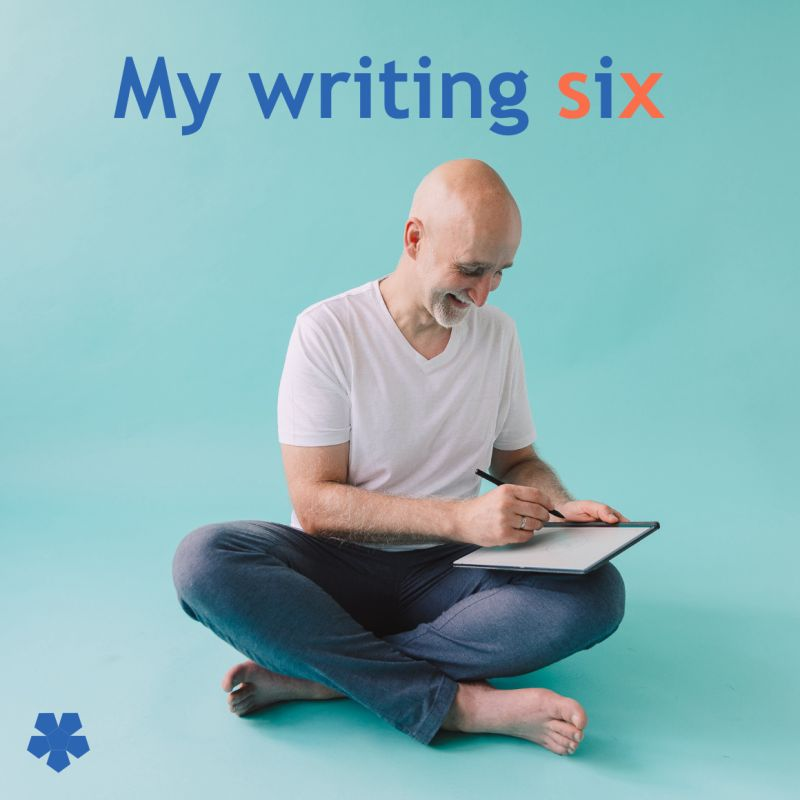
Focused writing increases clarity and retention.
Optimize your setup now.
Over time, I developed my own style for making notes. I’m all in with the my note-making Swiss-army-tool Obsidian.
With more than three years practice and thousands of notes created, let’s look at six core elements I use for my daily focus. ———
→ I focus on the current line I’m writing. The line is always centered on the screen. Other lines are visible but blurred.
→ I have immediate access to recent notes I’ve used. As thoughts often connect, I scan through topics I’ve just explored parallel to my writing.
→ The outline of my current note is always visible next to my writing window. This provides an easy overview and adjustment of my structure.
→ I have my visual elements ready Especially for writing my LinkedIn posts, I have to formatting elements like → ➠ ↳ … side by side with my main writing window.
This enables fast access and avoids distraction.
→ I use the Minimal Theme One highlight is colored headlines with different colors for headline levels, which is a simple way to orient in a note.
→ I learned the Obsidian editor functions, and two magic ones for me are: ⇢ Drag and Drop linking to other documents. Which makes it so easy to connect thoughts.
⇢ Knowing the Markdown syntax makes writing and simple formatting much easier I’ve memorized the important shortcuts.
In essence, it is about a setup that:
→ supports my flow → creates a focused writing experience → make access to my other thoughts simple
To get there I recommend:
→ experimenting with your setup to support you best → becoming one one with your writing environment → enjoying the journey and iterations
What is ONE writing tip that helps with your writing?
———
P.S.
I help people learn how to learn, retain and recall with ease
🔔 I share insights daily at 8:00AM (CEST) ♻ Repost to help others in your network ➕ Follow me for more posts like this
Content preparation
Posted on LINKEDIN on 2024-10-15_Tue